1. Theme Ideas
a. Traditional Look
- Wear ethnic clothes like saree, kurta, or lehenga.
- Use diyas (lamps), candles, and rangoli as background.
- Shoot near a temple, home altar, or decorated corner.
b. Lights & Sparkles
- Use fairy lights or sparklers (“pataki”) for glowing backgrounds.
- Shoot during evening or blue hour (just after sunset).
- Try holding diyas close to your face for a warm glow effect.
c. Family & Friends
- Group shots lighting diyas or bursting crackers.
- Capture candid smiles and laughter.
- Add props like sweets, gifts, and lanterns.
d. Modern / Creative
- Blend traditional clothes with a modern setting.
- Add light trails or bokeh using long exposure photography.
- Use mirror reflections or glass lights for artistic effects.
2. Poses & Angles
- Close-up with diya in hands (focus on eyes & light reflection).
- Top-down of rangoli or plate of sweets.
- Side profile with sparkler in hand.
- Backlight shot with fireworks or lights behind.
💡 3. Lighting Tips
- Natural light during golden hour (5–6 PM).
- For night shots, use soft warm lights or fairy lights.
- Avoid direct flash — use diffused or side lighting for glow.
🎨 4. Editing Ideas
- Increase warm tones (orange, yellow).
- Add a slight bokeh or sparkle overlay.
- Enhance contrast and glow around lights.
- Apps: Lightroom, Snapseed, PicsArt, Gemini, Canva.
What Is Photo Editing?
Photo editing means improving or changing a photo using software or mobile apps to make it look more attractive, bright, or professional.
Main Goals of Photo Editing
- Enhance beauty — make colors pop and skin glow.
- Correct lighting — adjust brightness, contrast, or exposure.
- Remove flaws — delete spots, background clutter, or red eyes.
- Add effects — filters, sparkles, blur, or overlays.
- Create a mood — traditional, modern, or cinematic tone.
Creative Edits
- Filters: Instant preset looks (warm, vintage, soft glow).
- Overlays: Add sparkles, fireworks, or light flares.
- Retouching: Smooth skin, whiten teeth, remove blemishes.
- Background change: Replace plain background with festival lights or diyas.
- Color grading: Give your photo a professional tone (golden, festive, or cinematic).
Deepavali Editing Ideas
- Add light rays, sparkler effects, or glowing diyas.
- Use warm orange-golden filters.
- Add text like “Happy Deepavali” in calligraphy fonts.
- Overlay rangoli, lanterns, or fireworks.
1. What You’ll Create
You can make your normal photo look like it’s taken during Deepavali night — with:
- Firecracker (pataki) effects
- Sparkler trails
- Glowing diyas / lights
- Golden or warm background glow
Step-by-Step: Add Firecrackers & Light Glow
🔹 Step 1: Choose Your Base Photo
Pick a photo where you’re holding something (like a diya or just hand up) — this helps you later place sparkler effects naturally.
🔹 Step 2: Adjust Lighting
In Snapseed or Lightroom:
- Increase Brightness slightly.
- Raise Warmth (yellow/orange tones).
- Add Vignette (dark corners for focus).
- Boost Contrast and Clarity for a crisp glow.
🔹 Step 3: Add Firecracker or Sparkler Effect
In PicsArt or Gemini:
- Go to “Add Photo” → “Overlay” and select firework / sparkle / light flare PNGs.
- Set Blend Mode → Screen or Lighten to make it glow naturally.
- Adjust opacity for a soft glow look.
- Place sparkler near your hand or behind you.
🔹 Step 4: Add Lighting / Bokeh
Use Light Effects or Lens Flare option:
- Add warm bokeh dots (gold or orange).
- Glow around diyas, candles, or your face edges.
🔹 Step 5: Final Touch
- Add “Happy Deepavali” text in golden calligraphy (Canva or PicsArt Text tool).
- Use a soft glow brush around you for shine.
- Save in HD quality.
🌈 4. Extra Creative Ideas
- Use slow shutter / long exposure photos for real light trails.
- Add “Motion blur” for fireworks in background.
- Mix real and AI effects for stunning festival vibes.
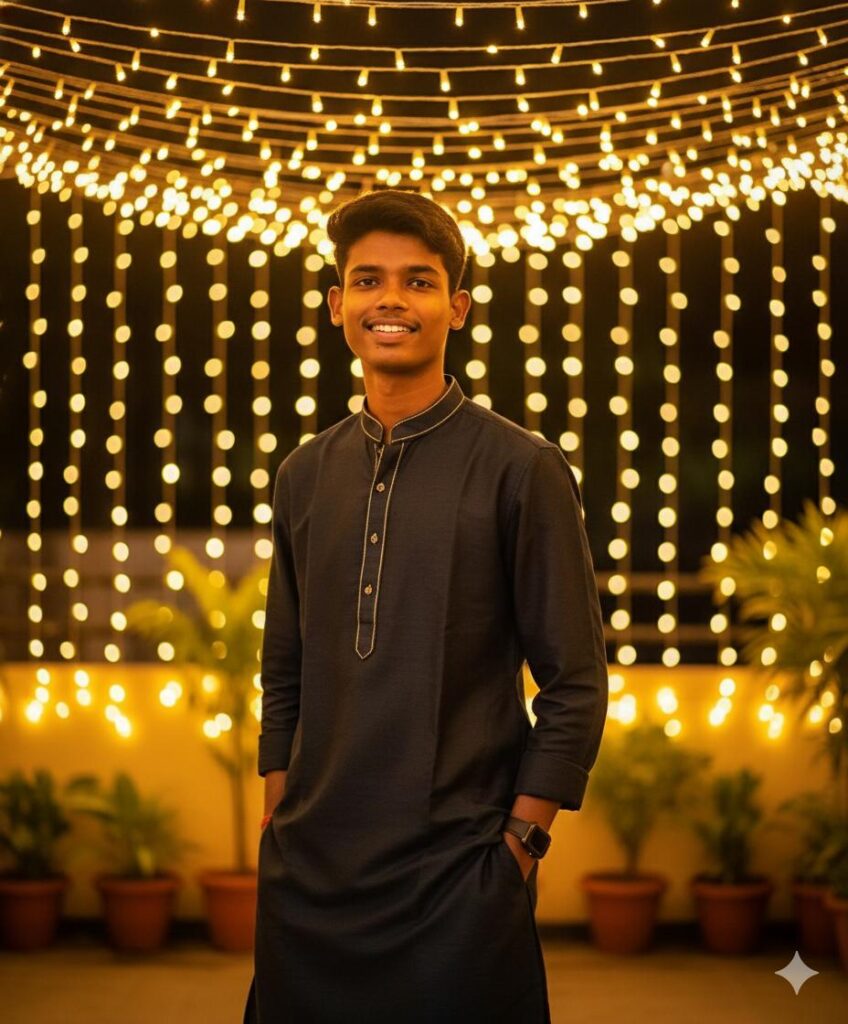
Create a photo-realistic cinematic image using uploaded image to perfectly match the face, hairstyle, pose, and expression. Scene: captured during Diwali night, standing casually near glowing jhalar lights (fairy lights) hanging above and behind. The golden lights fill the background with a beautiful warm bokeh effect. The subject is smiling naturally, body slightly angled, giving a candid confident festive look — exactly like a real professional photoshoot. Outfit: stylish dark-colored kurta with subtle shiny or embroidered detailing that reflects light softly. The outfit should look perfectly fitted and premium, keeping texture realistic. Lighting: warm and cinematic – the jhalar lights act as the main light source, casting soft golden highlights on the face and shoulders. Background filled with glowing bokeh lights for depth. Slight light reflection on the outfit adds realism.Background: softly blurred string lights and green plants, creating a lifestyle Diwali vibe — elegant, cozy, and festive.
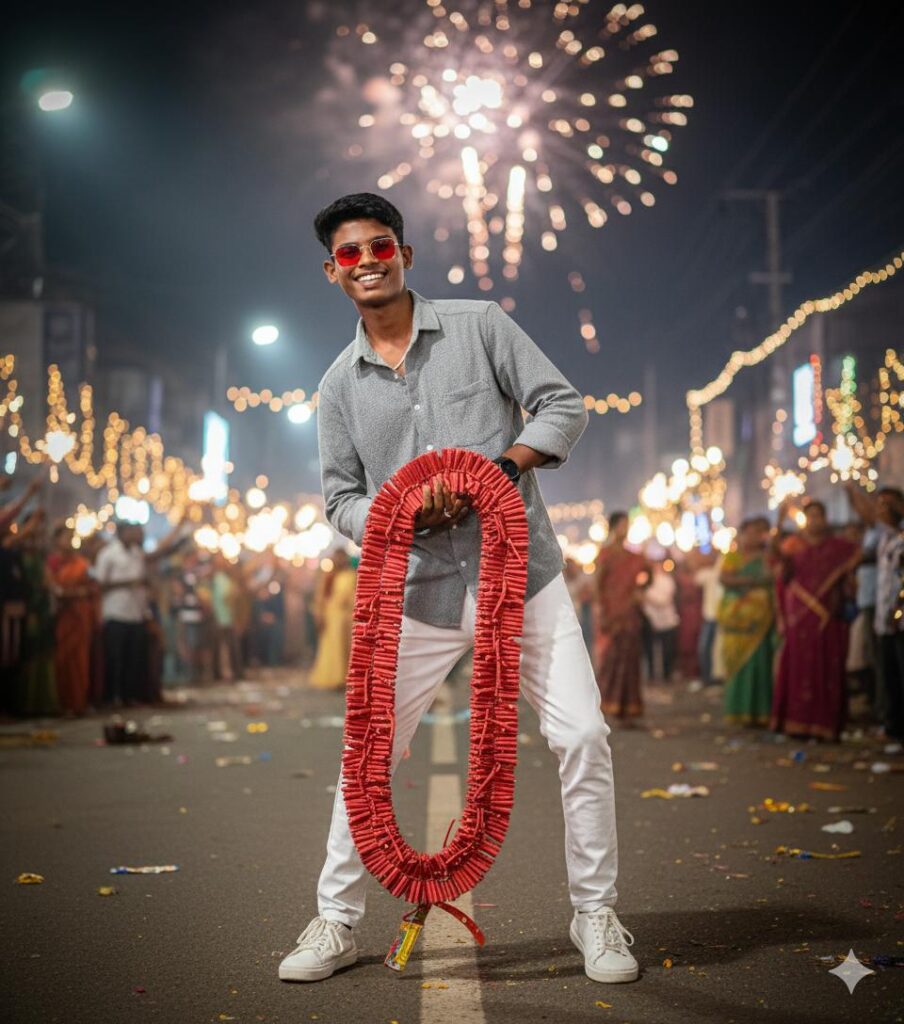
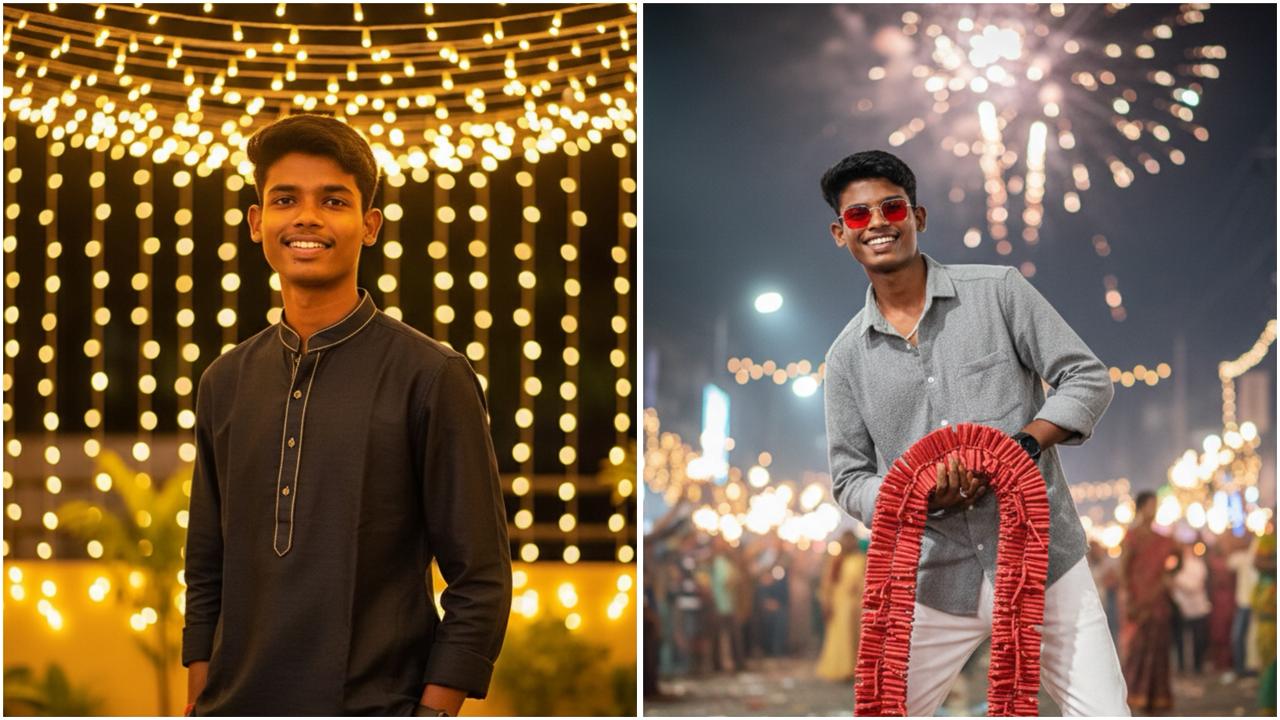
A stylish young man, face in realistic (a face reference) celebration with diwali in street background, my hand in 10000 wala red Garland crackers in the rode. Grey popcorn shirt, white jean and white shoe, red frame sunglasses.
Standing stylish funny pose, Captured in ultra-detailed 8K resolution with sharp textures natural skin tones, realistic shadows, and a premium fashion editorial aesthetic. Keep face
100% same as in the reference image.
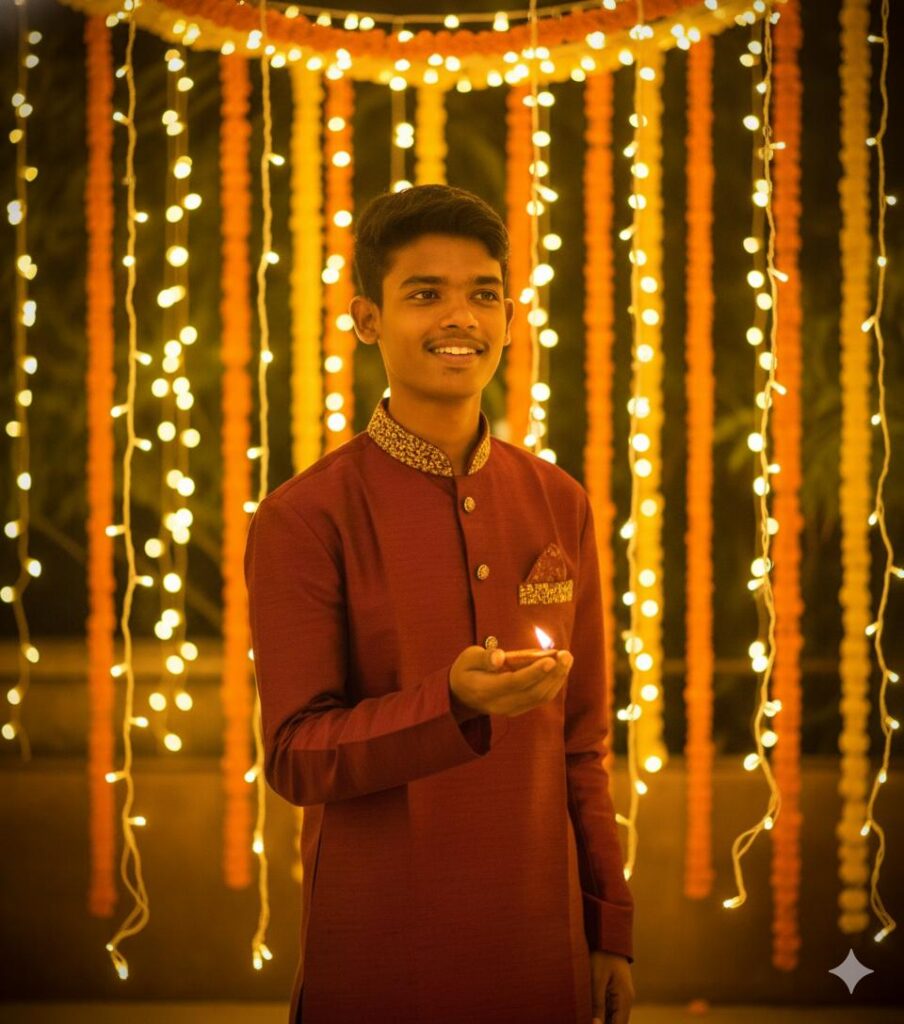
Create a photo-realistic cinematic candid portrait using uploaded image to perfectly match the person’s face, hairstyle, spectators and expression.
Scene: captured naturally during Diwali night, surrounded by glowing jhalar lights hanging behind or around the subject. The soft golden lights create a dreamy bokeh in the background. The subject is mid-action – lighting diyas, fixing a halar, or just smiling softly while looking away – giving a natural candid vibe. Outfit: stylish traditional kurta or sherwani in warm festive tones (cream, gold, deep maroon, or olive green). Real fabric texture visible, sleeves rolled slightly for a relaxed vibe. Lighting: soft golden glow from jhalar lights reflecting on the face, warm rim light from behind, gentle diya light on one side – creating a cinematic 3-point lighting feel.
Background: blurred fairy lights, marigold garlands, and warm tones — realistic Diwali evening depth and atmosphere. Camera setup: Canon EOS R5, 85mm f/1.4, ISO 200, golden-hour color tone.
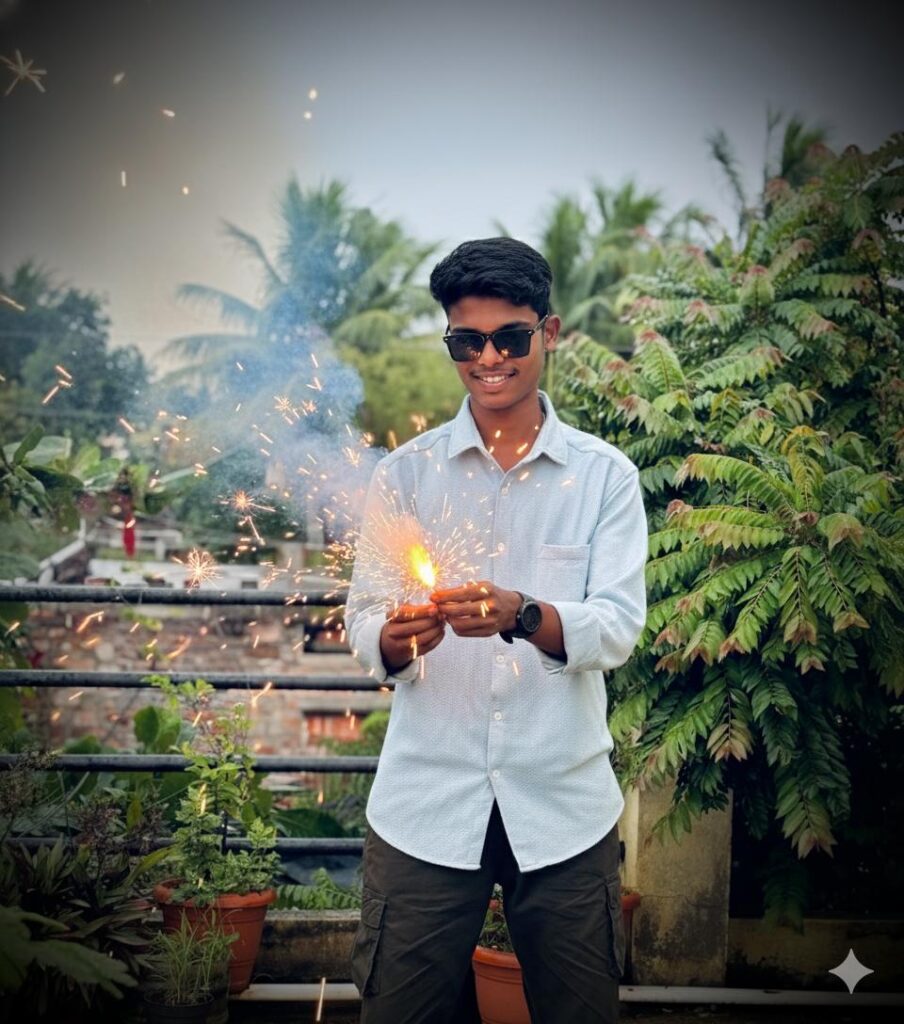
A Full-body, ultra-realistic 8K cinematic portrait (face perfectly matching the uploaded reference image), He is wearing sleek black sunglasses and a stylish black smartwatch. He is lighting vibrant Diwali fireworks (patakhe), sparks flying dynamically in slow-motion around him.keep face same 100% as in the reference image
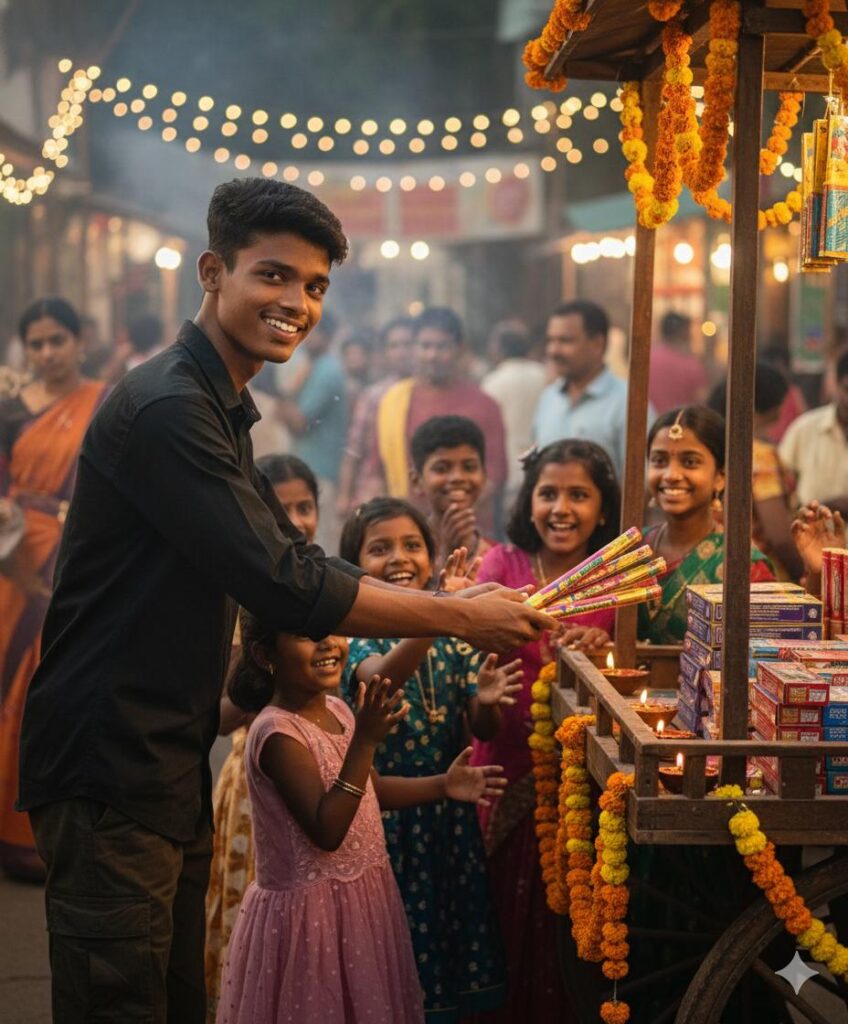
8K DSLR cinematic portrait of a young slim
Indian male in a black shirt, smiling as he hands Diwali firecrackers to several excited children in front of his traditional wooden cart.
Bustling evening marketplace with festive lights and people in the blurred background. Keep face 100% same as in the reference image
Leave a Reply